Documentation / Reports and dashboards
Reports for students and families
Mock reports, progress reports and the family portal.
Mock reports
A one-page PDF for each student after each mock, from the mock’s Reports tab. It shows:
- the mark and grade, against the student’s target;
- the target grid: how many more marks each higher grade needed;
- each question’s marks, with the strongest and weakest picked out;
- the student’s links and actions from their teacher, as a short to-do list.
Print one student’s report, or a class pack with every student in the class in one file for handing out.
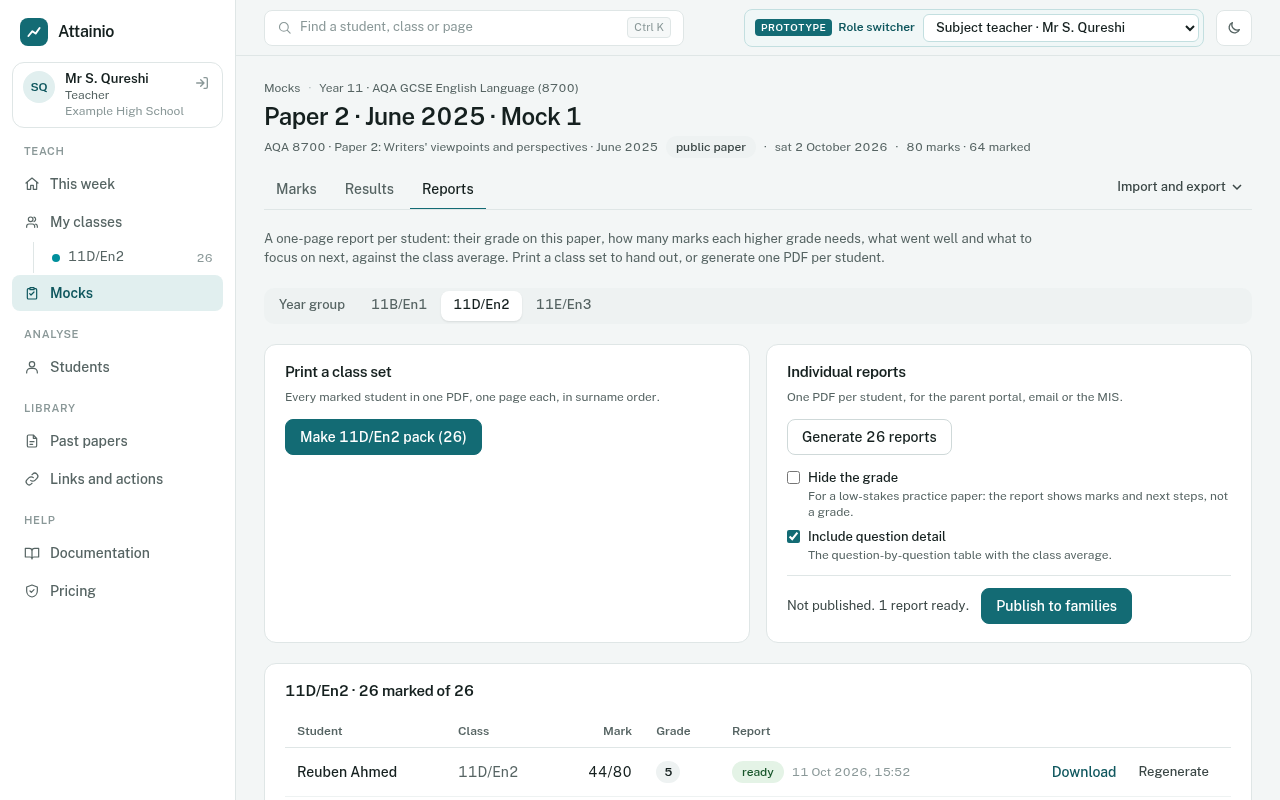
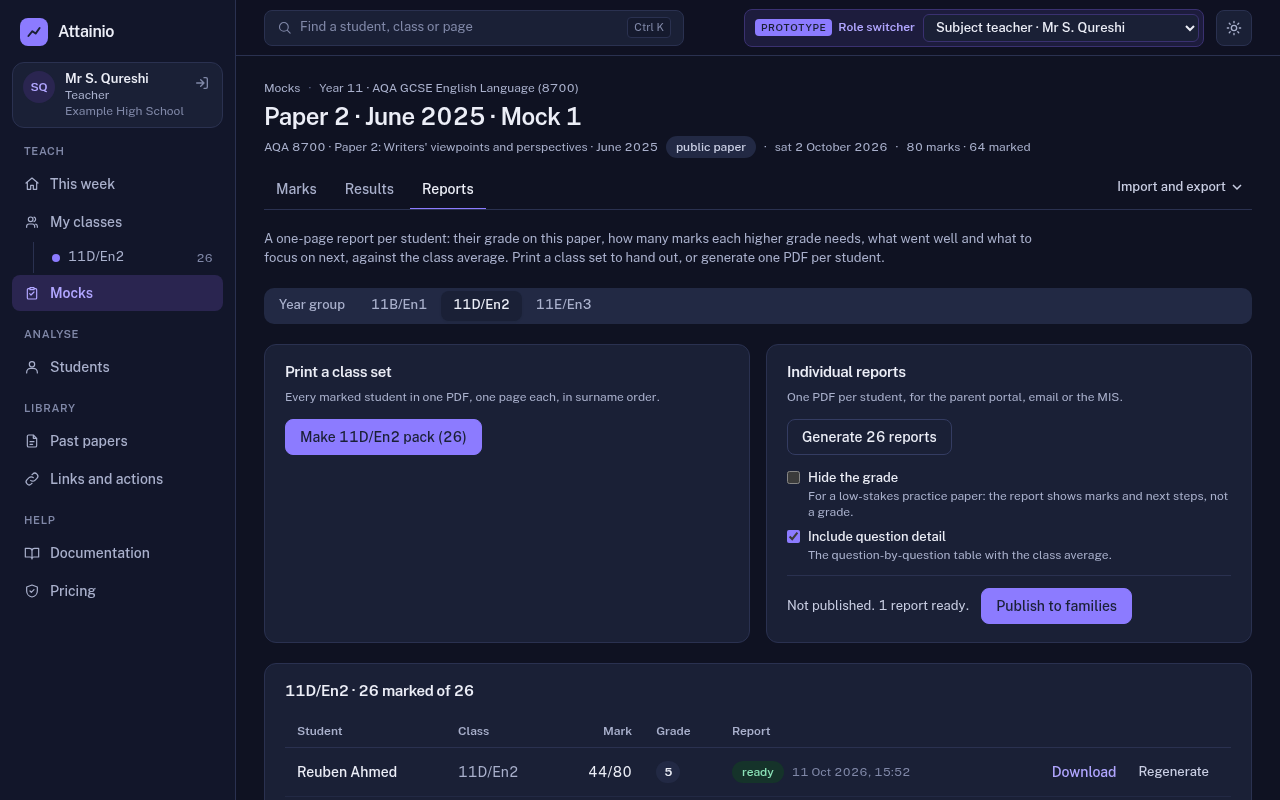
Report options
- Hide the grade: for low-stakes tests where the mark and feedback matter more than a grade.
- Include question detail: on by default; turn it off for a shorter report.
The options are set per mock and apply to the PDF and to what families see in the portal.
Progress reports
A report across the year rather than one mock: the student’s working-at grade, target and every mock they sat (unsat mocks are skipped). Progress reports are made as part of a data collection.
The family portal
Parents and carers sign in with a link sent to the email address the school holds for them; there is no password to remember. They see only their own children, and only what the school has published:
- mock reports, once a teacher switches on Publish to families on the mock’s Reports tab;
- progress reports from data collections the school has published;
- links and actions their child has been given.
It works on a phone, with no app to install.