Documentation / The mock cycle
Setting a mock
Choosing a paper, the three mock tabs, and tiered papers.
Setting a mock
- Open Past papers and find the paper. Choose the subject, and the tier for maths.
- Choose Add a mock, pick the tracker (for example “Year 11 · AQA GCSE English Language”) and name the sitting, such as “Mock 2”.
- Download and print the paper from the board’s link, sit the mock, and mark it on paper.
A tracker is one qualification for one year group, such as Year 11 English Language. Every class taking it shares the tracker, so a mock set once appears for all of them.
The Mocks page
Mocks in the Teach menu lists every mock on your trackers, newest first, with when it was sat, how many students have been marked and the mean grade.
The three tabs
Each mock opens on three tabs:
| Tab | What it is for |
|---|---|
| Marks | The marksheet: one row per student, one column per question, opening on your own class. The Import and export menu has Import marks from a spreadsheet and Export to CSV. See Entering marks. |
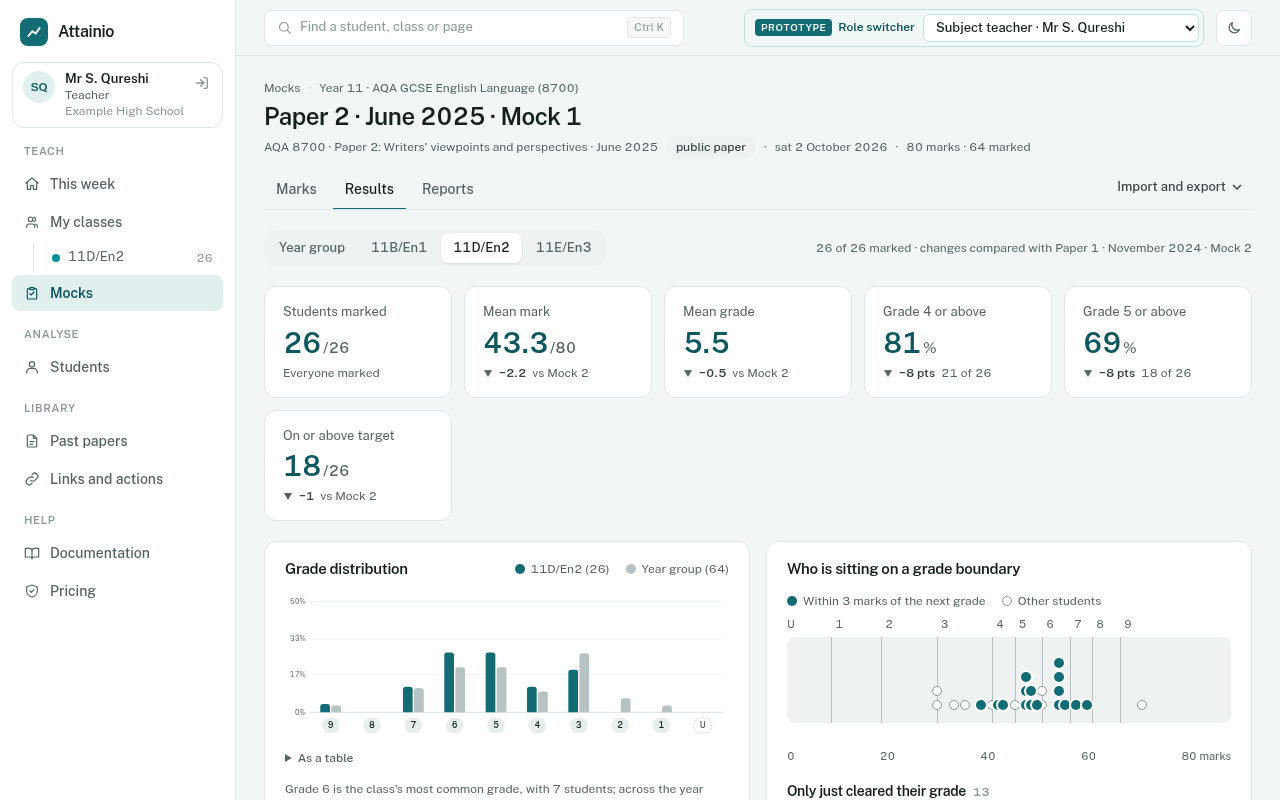
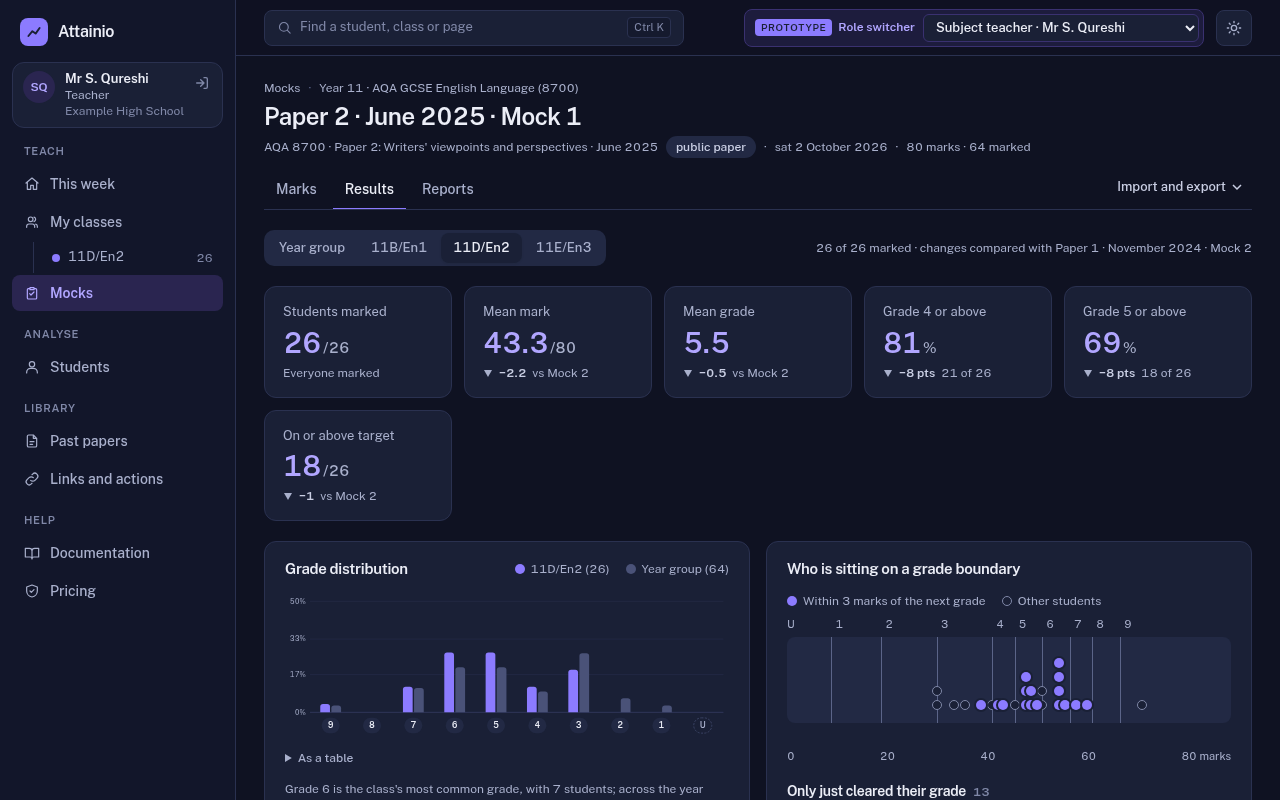
| Results | The results dashboard: grades, the grade spread, who is near a boundary, and where marks were lost. See Teacher views. |
| Reports | One-page reports for each student, class packs to print, report options, and publishing to families. See Reports for students and families. |
Tiered papers
Maths papers come in Foundation and Higher tiers. Each student has a tier on the tracker, and a tiered mock only lists students on that tier, so the Higher marksheet doesn’t fill up with Foundation students. A Foundation paper can award grades 5 to 1 only, a Higher paper 9 to 4 (with an allowed grade 3), exactly as the boards publish.