Documentation / The mock cycle
Entering marks
The marksheet, pasting, importing a file, and absences.
There are two ways to get marks in. Both end in the same place, and you can mix them.
1. Type or paste on the marksheet
The Marks tab shows one row per student and one column per question, headed with each question’s maximum mark.
- Type a mark; Tab moves across and Enter moves down. Each mark saves as you go; there is no Save button.
- Paste a block of marks copied from a spreadsheet. The paste fills from the cell you are in, across and down, the same shape as what you copied.
- A mark above the question’s maximum is not saved: the cell turns red and a note says what the maximum is, so a typo cannot inflate a grade.
- The total, grade and status against target update as soon as a row is complete.
- Leave a student’s row blank if they were absent or have not sat it yet. Blank rows are “not sat” and are left out of class averages, not counted as zero.
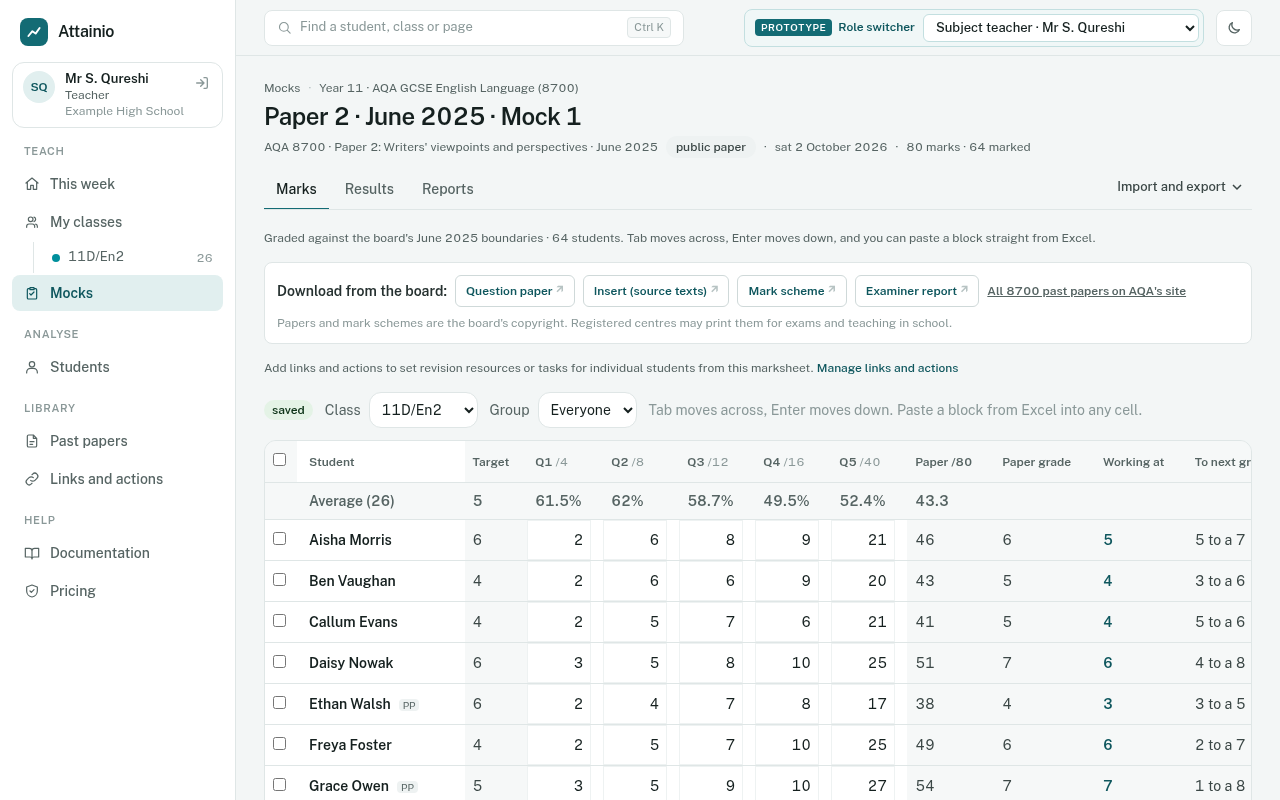
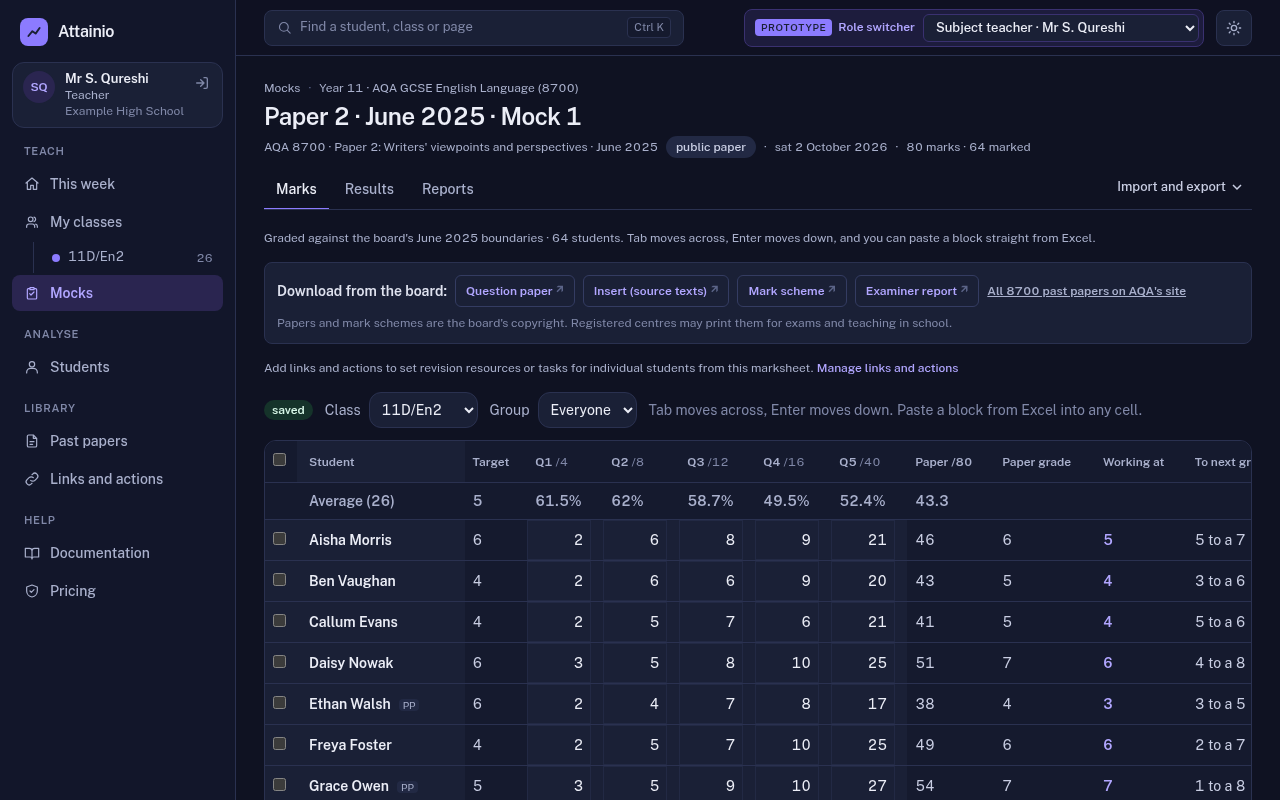
The marksheet also holds each student’s predicted grade, which teachers can change in place, and a tick column for each switched-on item in the tracker’s links and actions library. Select students to add them to an intervention group.
2. Import a spreadsheet
Choose Import and export, then Import marks from a spreadsheet.
- Download the template: a CSV with one row per student and one column per question. You can also use your own sheet, as long as it has a UPN or name column and columns headed Q1, Q2 and so on.
- Fill it in from the marked papers. Leave a cell blank if a question was not attempted or not marked.
- Upload it, as CSV or Excel (.xlsx), up to 5 MB.
- Check the preview. Every row is shown before anything is saved: which student each row matched, any marks over the maximum, any columns the app didn’t recognise, and any students it couldn’t match, which you can match by hand.
- Apply. Grades are worked out straight away.
Photo capture (later)
A third way, reading marks from photos of marked scripts, is built but switched off. It needs an AI service to read the handwriting, and we want the exam boards’ position on that in writing first. It is part of the AI option in Licensing and pricing (draft).