Documentation / The mock cycle
Past papers
The paper library, and why it links to the exam boards instead of hosting papers.
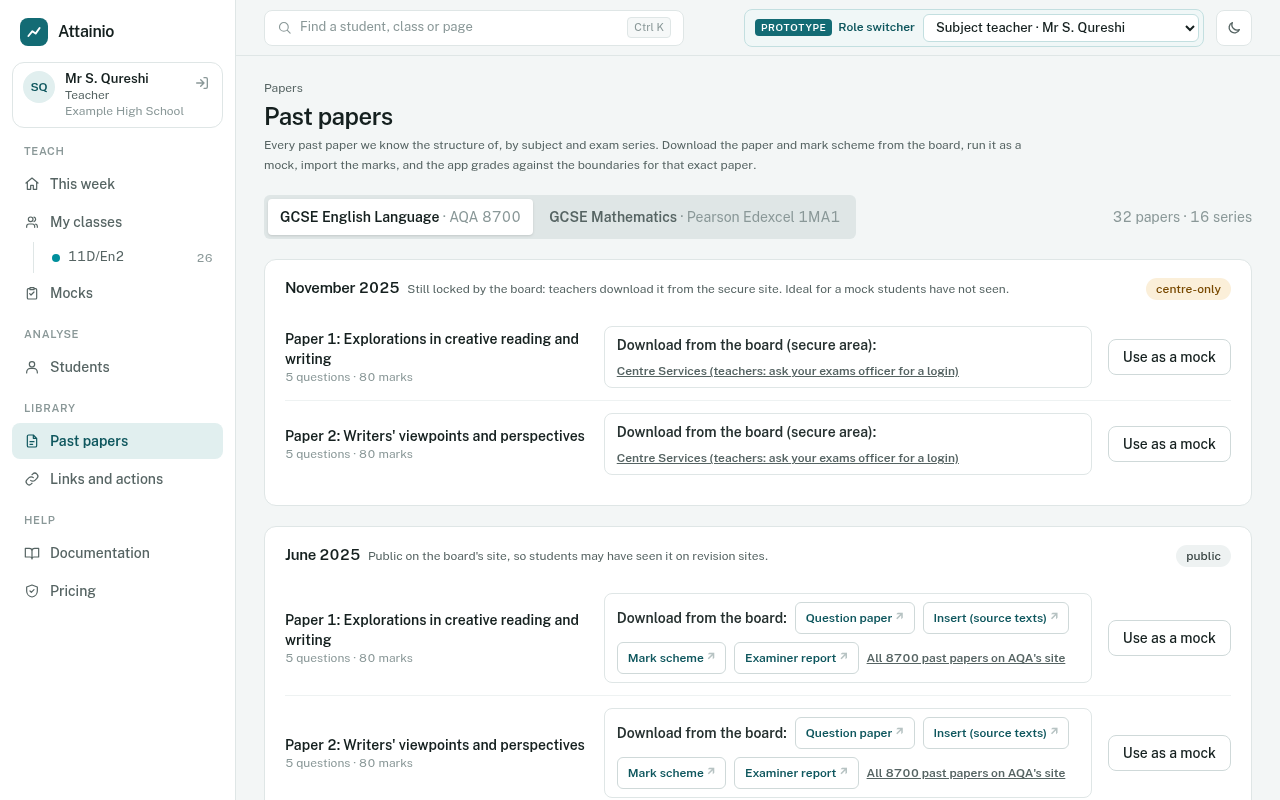
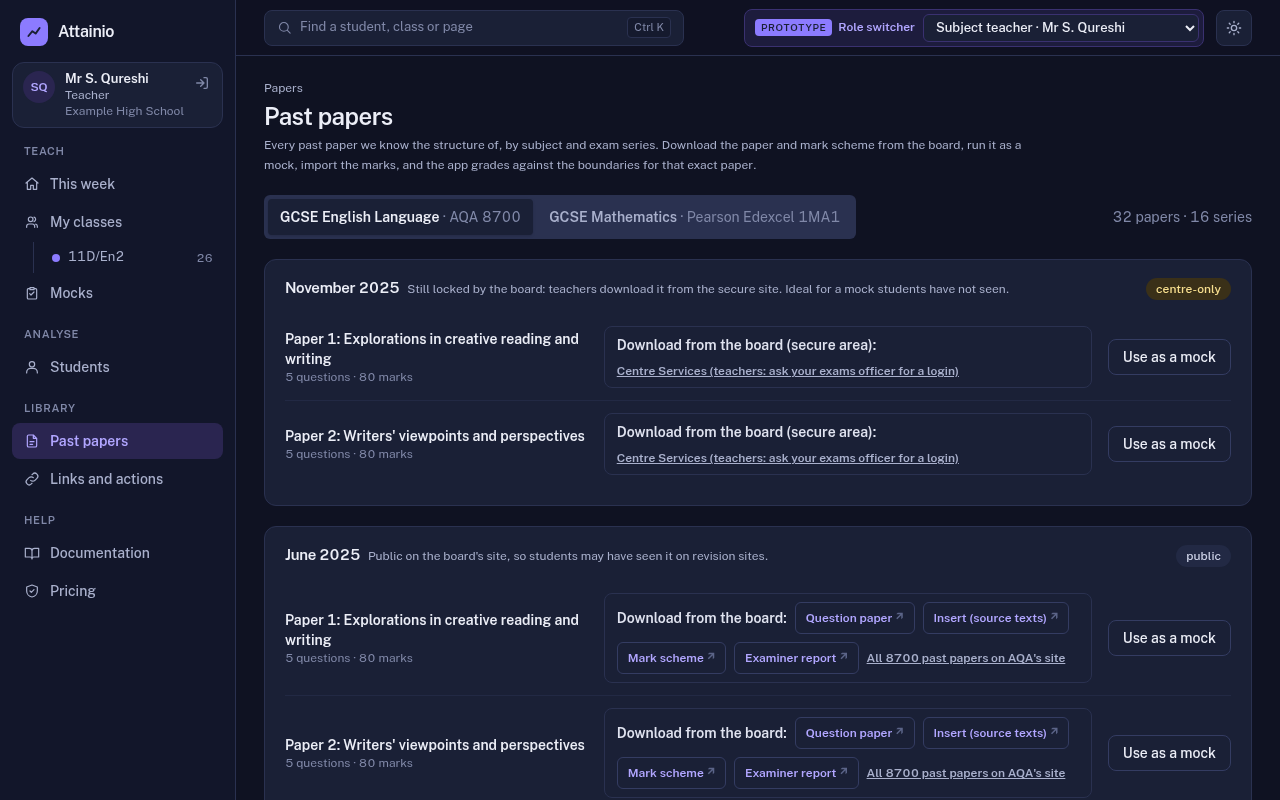
Past papers in the Library menu lists every exam-board paper the app knows, newest series first. Today that is AQA GCSE English Language (8700) papers 1 and 2, and Pearson Edexcel GCSE Maths (1MA1) papers 1 to 3 at Foundation and Higher.
A mock from start to finish
- 1Pick a paperIn Past papers, choose the series and paper, then Add a mock for your tracker.
- 2Download it from the boardThe link opens the board's own page. Recent locked papers need your school's board login.
- 3Print and sit itAs you would any mock. Nothing about the paper changes.
- 4Mark itOn paper, with the board's mark scheme, as normal.
- 5Enter the marksQuestion by question: type, paste from Excel or import the template.
- 6Get grades and analysisGraded on that paper's own boundaries, with question and topic analysis and reports.
What the app stores, and what it never does
| Stored in the app | Never stored |
|---|---|
| Question numbers and the marks for each | The question paper, insert or source texts |
| Assessment objectives and our own topic tags | The mark scheme or examiner's report |
| The board's published grade boundaries for each series | Any question wording or extract |
| Links to the board's own pages | Students' scripts (only the marks teachers enter) |
What each paper gives you
- Links to the board’s own pages for the question paper, the mark scheme and, where published, the examiner’s report.
- The paper’s structure: every question number, its maximum mark, its assessment objectives and our topic tags. This is what lets the app take marks per question and show where marks were lost.
- The grade boundaries for that series, so a mock on the November 2024 paper is graded against November 2024’s boundaries.
- Add a mock, which sets this paper as a mock for one of your trackers. See Setting a mock.
Why the app links to papers instead of storing them
The exam boards license their papers to schools, not to software companies. AQA and Pearson both allow a registered school to download, print and copy papers for its own mocks, and to keep them on a private school intranet. Both forbid putting them on a third-party website or platform, and AQA forbids using its material to train AI.
So the app never holds a copy of a paper or mark scheme. It stores facts about the paper (question numbers and marks) and a link to the board.
Keeping links working
Boards move their files from time to time. Every night the app checks each link and flags any that stop working, so they can be updated before a teacher finds a broken one.
Three ways a school could get its papers
| Option | How it works | Status |
|---|---|---|
| A. Link to the board | The app links to each paper on the board's site. Teachers download and print it there. Included in Core. | Works today |
| B. The school's own copies | The school uploads papers it has downloaded into private storage only its staff can see, to print beside the marksheet. | Needs each board's written agreement first |
| C. A full library in the app | The app holds every paper and mark scheme ready to print, including the latest series. A separate option. | Needs a licence from each board; cost to be confirmed |